Your online menu's identity and settings
What comes from your POS and what the Sitekoom team sets up for you.
- Reading time
- 2 min read
- Steps
- 6 steps
- Level
- Beginner
- Updated
- Updated October 10, 2026
The menu is a separate platform run by Sitekoom. Its content comes from your POS; its identity and rules are set by our team on request.
1Content from the POS
Categories, items, prices, options and pictures are sent by the POS automatically. Edit them in the POS and they reach the menu on sync. Items hidden from online ordering don't show.
2Branding
Restaurant name, logo, colors, menu languages (Arabic/English), time zone and contact details.
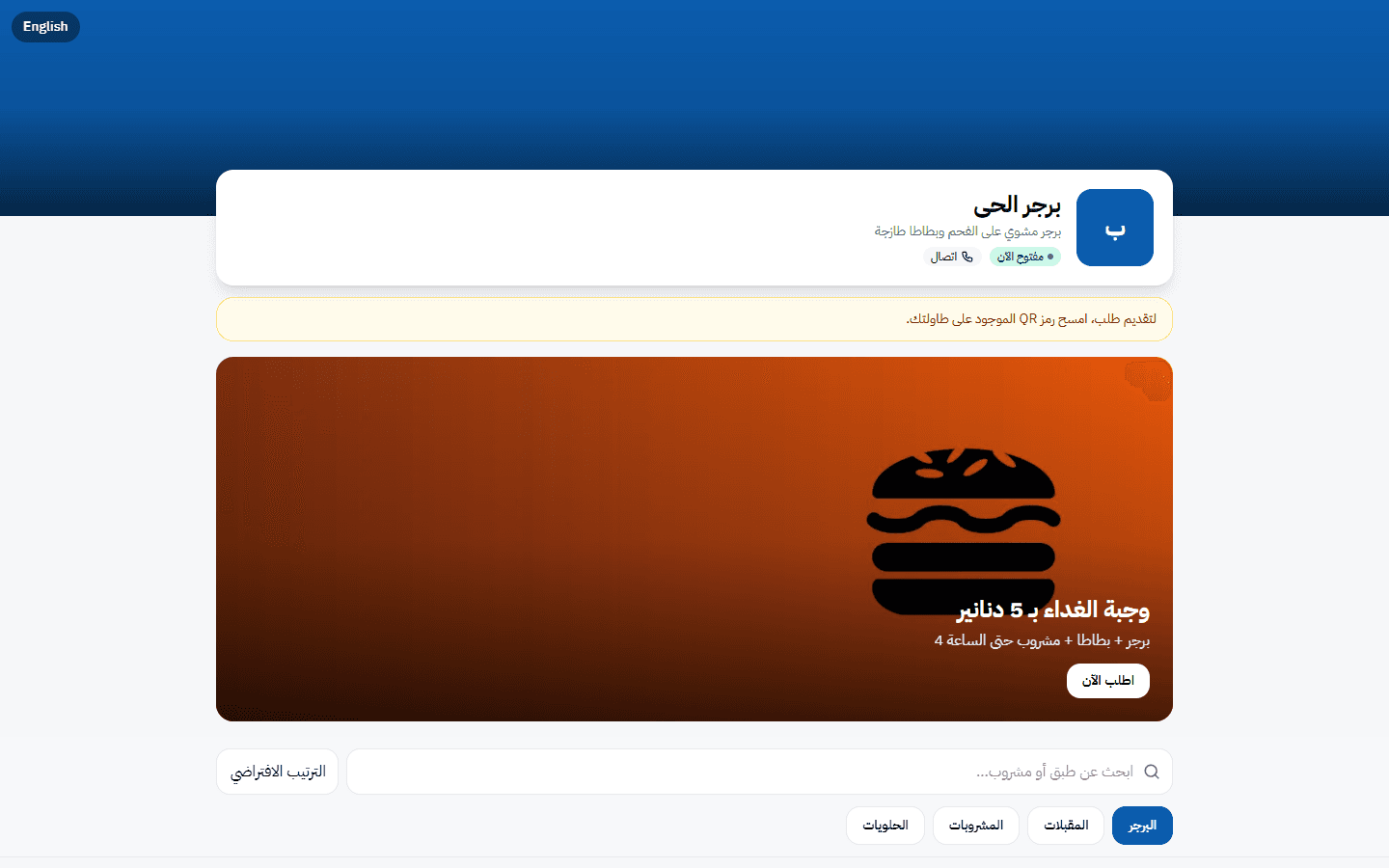
The restaurant's online menu on a large screen · Arabic interface 3Opening hours and pausing
Outside opening hours or when the service is paused the menu stays browsable but ordering stops.
4Ordering area
An area around the restaurant can be set on the map so orders are accepted only from inside it.
5Session rules
Invoice display minutes after closing (0–1440) and idle-close minutes (30–1440).
6Request any change
Contact support from your portal to change branding, hours or the area.