Customising your store's look and settings
Branding, home page, currency, country and SEO.
- Reading time
- 2 min read
- Steps
- 4 steps
- Level
- Intermediate
- Updated
- Updated October 11, 2026
Your store starts with your country's settings (currency and tax) and a ready home page for its type — all editable.
1General settings
In “Settings” edit the store name, logo, contact details, country and currencies.
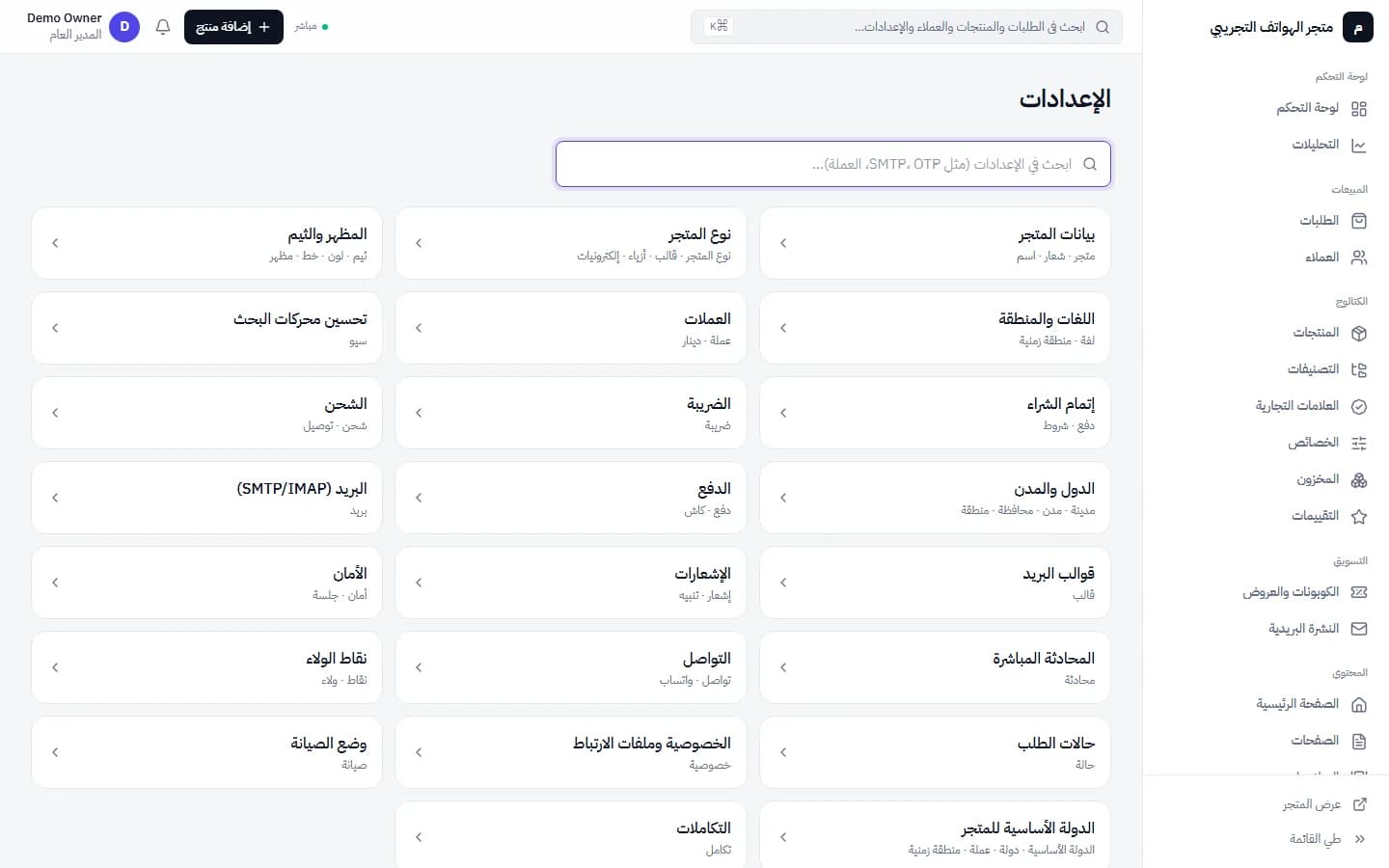
Store settings: details, store type, currencies, shipping, payment, email and more · Arabic interface 2Home page and sliders
In “Pages” and “Sliders” edit the home page content and promotions.
3On mobile
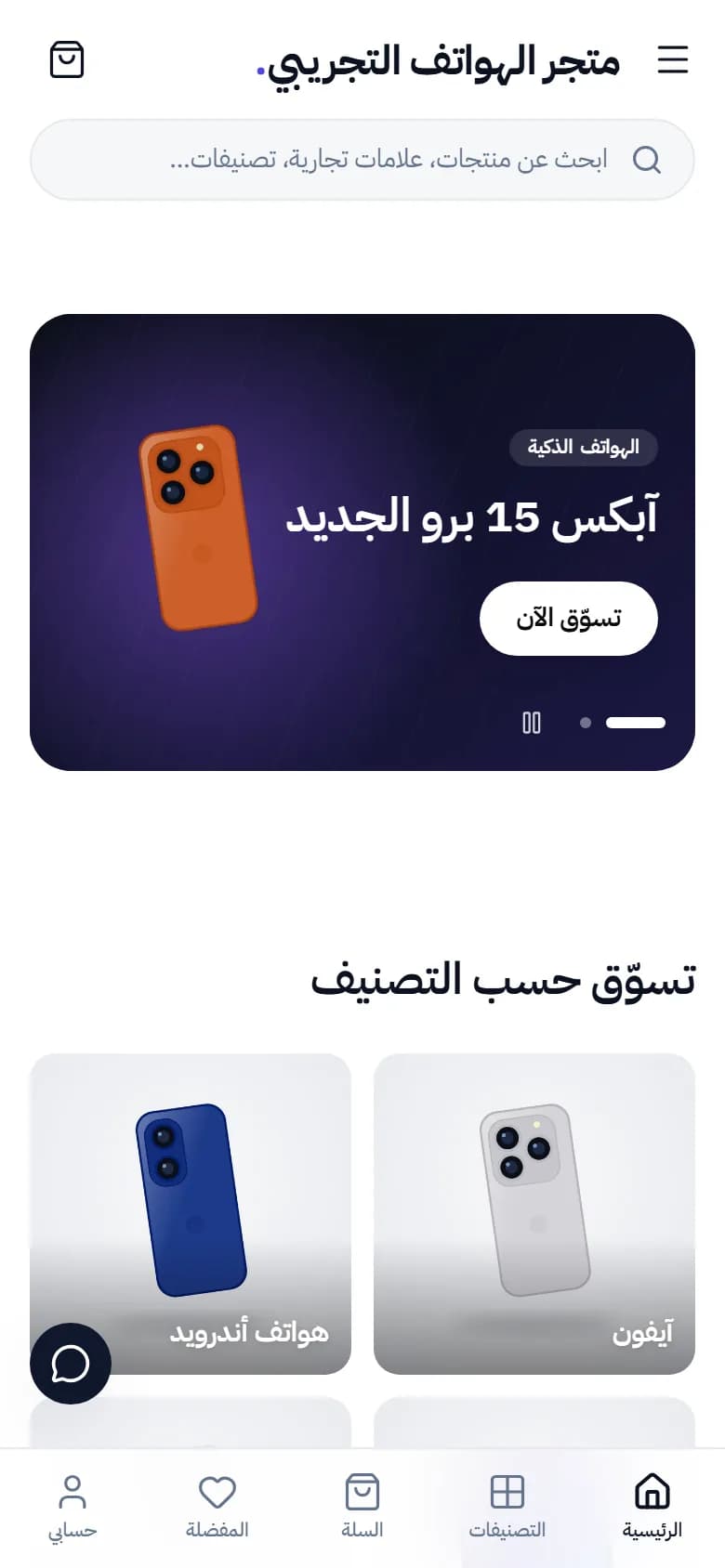
Check how the store looks on a phone; most visits come from mobile.
4Store type
Changing the store type after adding products changes the suggested categories and attributes; review that before switching.
A custom domain (like yourshop.com) needs set-up by our team; contact support.